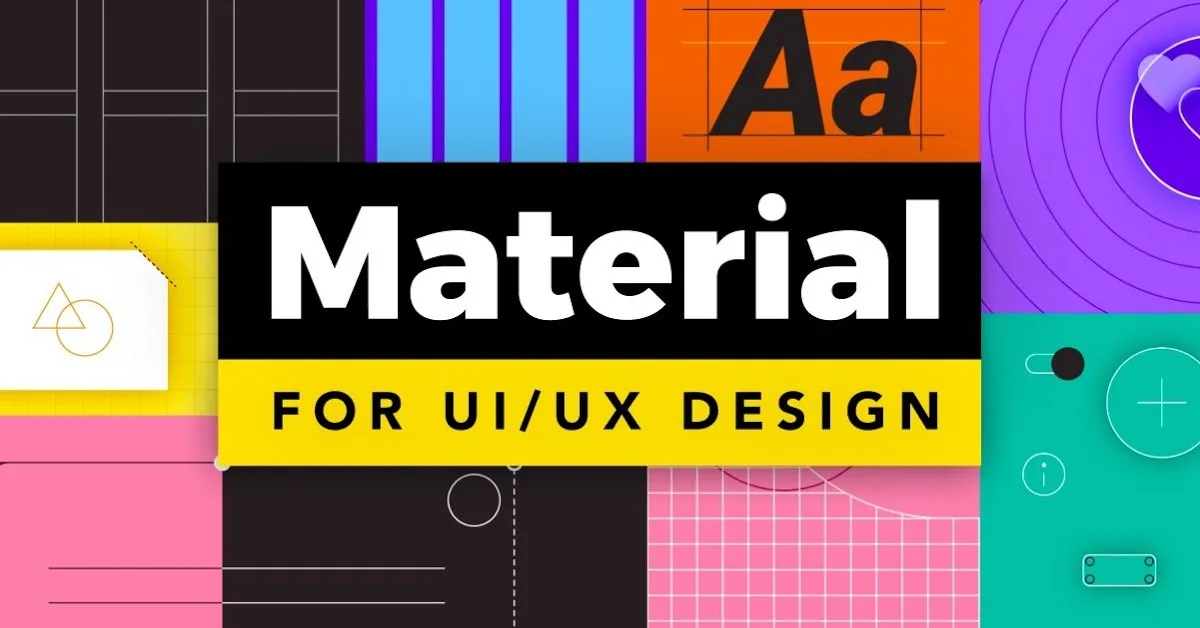
What Is Material Design?
Material Design is a comprehensive design system created by Google in 2014, initially to bring visual and interaction consistency to Android and Google's web products. It has since evolved into one of the most widely adopted design systems in the world, influencing interfaces far beyond Google's own ecosystem.
Material Design 3 (Material You), released in 2021, introduced dynamic colour — a system that generates a harmonious colour palette from a user's wallpaper — marking a significant evolution toward personalisation.
The Core Philosophy
Material Design is built on a physical metaphor: the idea that digital surfaces behave like real-world materials — specifically, like sheets of paper layered in three-dimensional space.
Surfaces have physics. They cast shadows that indicate their elevation. They can expand, transform, and move — but they behave according to consistent physical rules.
Motion has meaning. Animations in Material Design follow the physics of the real world: they accelerate from rest and decelerate before stopping. They follow arcs, not straight lines.
Bold, graphic, intentional. Material Design embraces bold colour, edge-to-edge imagery, and large-scale typography.
Core Material Design Principles
1. Elevation and Depth
Material Design uses shadows to communicate layer hierarchy. The higher an element's elevation, the larger and softer its shadow. A floating action button sits at 6dp elevation; a dialog at 24dp.
2. The 8dp Grid
Material Design uses an 8dp grid — all spacing values are multiples of 8 (8, 16, 24, 32, 48, 64). This creates mathematical harmony and makes designer-developer collaboration much more efficient.
3. Dynamic Colour (Material You)
The most significant update in Material Design 3: the colour system generates five colour schemes from a single seed colour — Primary, Secondary, Tertiary, Error, and Neutral — each with light and dark variants.
4. Typography Scale
Material Design defines named typographic roles: Display, Headline, Title, Body, Label. Each has defined size, weight, and line-height values that create consistent hierarchy across all surfaces.
Material Design Components
The component library covers:
- Buttons: Filled, outlined, text, elevated, and FAB variants
- Cards: Elevated, filled, and outlined variants
- Navigation: Top app bar, bottom navigation, navigation drawer
- Inputs: Text fields, checkboxes, radio buttons, switches
- Chips: Assist, filter, input, and suggestion variants
When Not to Use Material Design
Material Design has a strong visual identity — recognisable as "Google style." For brands with distinct visual identities of their own, adopting Material Design's visual language can dilute brand distinctiveness. Use the system's principles (spacing, elevation, motion physics) without necessarily adopting its aesthetic.
Conclusion
Material Design is one of the most thoughtfully documented design systems ever created. Whether you adopt it wholesale or mine it for principles, understanding Material Design makes you a better designer — because its decisions are not arbitrary. Each choice is documented, reasoned, and tested at Google's scale.