What Is CMS-Based Design?
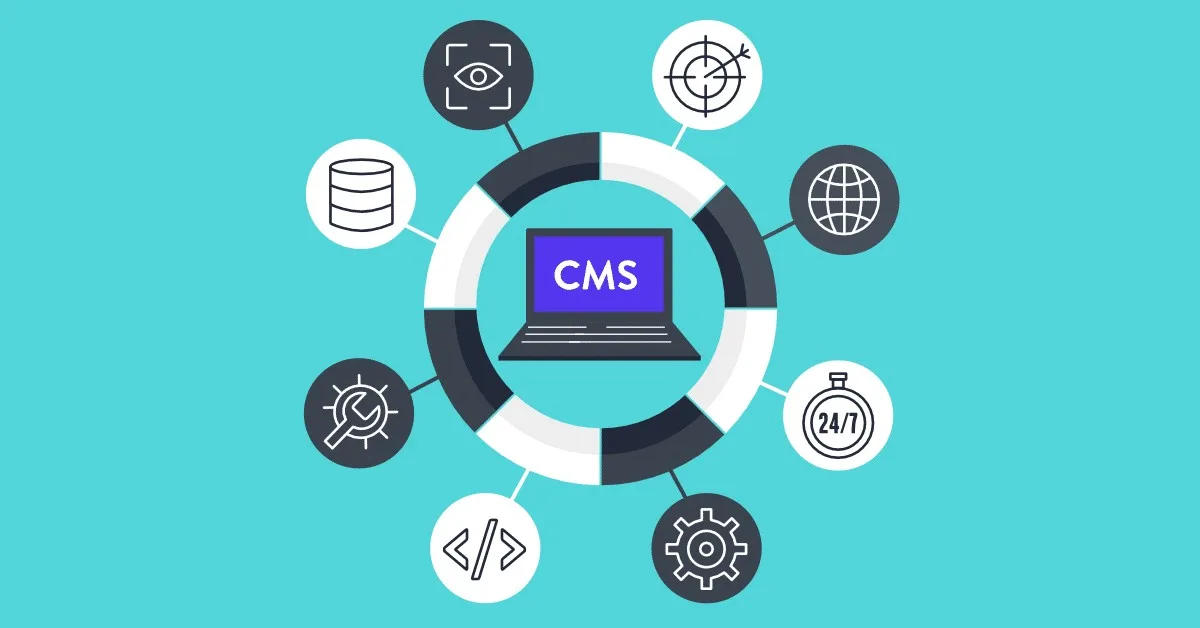
CMS-based design is the process of building websites on top of a Content Management System — a software platform that separates content from design, allowing non-technical users to add, edit, and manage website content without writing code.
The CMS handles the database, the templating, and the content delivery. The web designer handles the visual design, user experience, and custom development. The business owner handles the content. Everyone works in their zone of expertise.
Why CMS-Based Design Dominates the Web
Over 43% of all websites on the internet are powered by WordPress alone. When you include other CMS platforms, the majority of the web runs on content management systems. This isn't a coincidence — it's the result of a simple, powerful idea: separate content from presentation.
For businesses, a CMS means:
- Update your blog, products, or team page without calling your developer
- Launch new pages for campaigns, events, or promotions instantly
- Multiple team members can manage content simultaneously
- Consistent design across all pages without starting from scratch each time
For designers and developers, a CMS means:
- Build once, deploy across hundreds of pages
- Client can maintain their own site after handover
- Easy integration with plugins for SEO, forms, e-commerce, and more
- Reduced long-term maintenance cost for simple updates
Choosing the Right CMS
WordPress
WordPress is the right choice for most projects. Its ecosystem is unmatched — over 60,000 plugins, thousands of themes, and a global community of developers. For blogs, business sites, portfolios, and WooCommerce stores, WordPress is almost always the best balance of power, flexibility, and ease of use.
Best for: Small businesses, blogs, portfolios, e-commerce stores, news sites.
Drupal
Drupal is a developer-first CMS with enterprise-grade flexibility. It handles complex data structures and user permissions better than any other open-source CMS. The trade-off: it requires significantly more technical expertise to set up and maintain.
Best for: Government websites, large enterprises, sites with complex content relationships.
Shopify
Shopify isn't a traditional CMS — it's a commerce-first platform. But for businesses whose primary goal is selling online, Shopify's built-in payment processing, inventory management, and shipping integrations make it the fastest path to a functional online store.
Best for: E-commerce businesses, product-focused brands, anyone selling physical or digital goods.
Webflow
Webflow bridges the gap between custom design and CMS flexibility. Designers get pixel-perfect control without writing code; the CMS allows structured content management. The trade-off is a steeper learning curve and higher ongoing cost.
Best for: Design-heavy projects where visual control is paramount.
The Design Process for CMS Sites
1. Content modelling first. Before designing a single screen, map out what types of content the site will have — pages, posts, products, team members, testimonials. Each content type needs defined fields and relationships.
2. Design the template, not the page. In CMS design, you're building a template that will render many different pieces of content. Design for edge cases: a post title with 80 characters, a product image that's portrait instead of landscape, a team bio that's two sentences or twelve.
3. Custom themes over off-the-shelf. Pre-built themes are a starting point, not a destination. A custom WordPress theme built to your exact design ensures your site looks unique and performs optimally.
4. Train your client. The final step of any CMS project is a proper handover — training the client to manage their content confidently. A CMS that the client can't use is a CMS that fails its purpose.
Conclusion
CMS-based design is the standard approach for modern web projects for good reason: it empowers businesses while giving designers the tools they need to build beautiful, maintainable sites. Whether it's WordPress for a local Calicut business or Drupal for a large enterprise, the right CMS transforms a website from a static brochure into a living, breathing digital presence.